
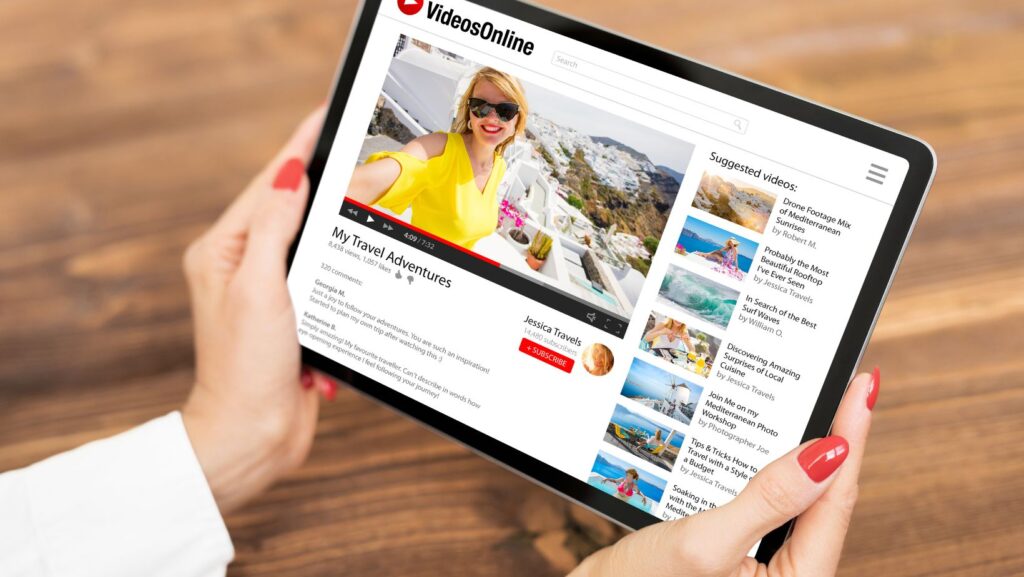
The popularity of live streaming has skyrocketed in recent years, particularly across platforms like Twitch, YouTube Live, and Kick. While strong gameplay or compelling commentary can bring in viewers, retaining them often depends on one critical factor: visual presentation. This has led to a common line of questioning among new and experienced streamers alike. Do you really need a professional look to grow your channel? How can a stream feel more structured without being distracting? What tools offer both function and style without requiring technical skills?
At the centre of these discussions is the stream overlay. These visual templates frame and organise your content while reinforcing your brand identity. A well-structured overlay enhances the experience for your audience without taking focus away from your content. It helps you stand out in a crowded market where viewer expectations have become significantly higher.
The Shift in Viewer Expectations
Viewers now expect more than just gameplay—they look for clarity, consistency, and a personal touch in stream presentation. Data from Restream.io highlights that 80% of viewers are more likely to watch a stream with a professional layout compared to one without any visual structure.
This reflects a clear trend: presentation has become a deciding factor in viewer retention. When overlays are used to structure visual elements like alerts, webcams, gameplay, and chat, streams become easier to follow and more engaging.
Branding from the First Frame
One of the first things a new visitor sees is your layout. That immediate impression influences whether they stay, interact, or move on. A stream overlay works like signage in a shop—it doesn’t need to scream, but it must say something.
For example, overlays can reflect your stream’s tone. A horror game stream might use darker tones and glitch effects, while a family-friendly channel may opt for vibrant colours and soft transitions. Consistency across scenes—intro, BRB, and gameplay—also strengthens your brand identity. Over time, this visual continuity becomes something your audience recognises and associates with your name.
Key Questions Streamers Ask
Do overlays make a measurable difference?
Yes. Viewers often associate professional presentation with reliability and effort. Overlay layouts also help improve engagement by displaying follower alerts, donation goals, and chat messages in visually clear ways.
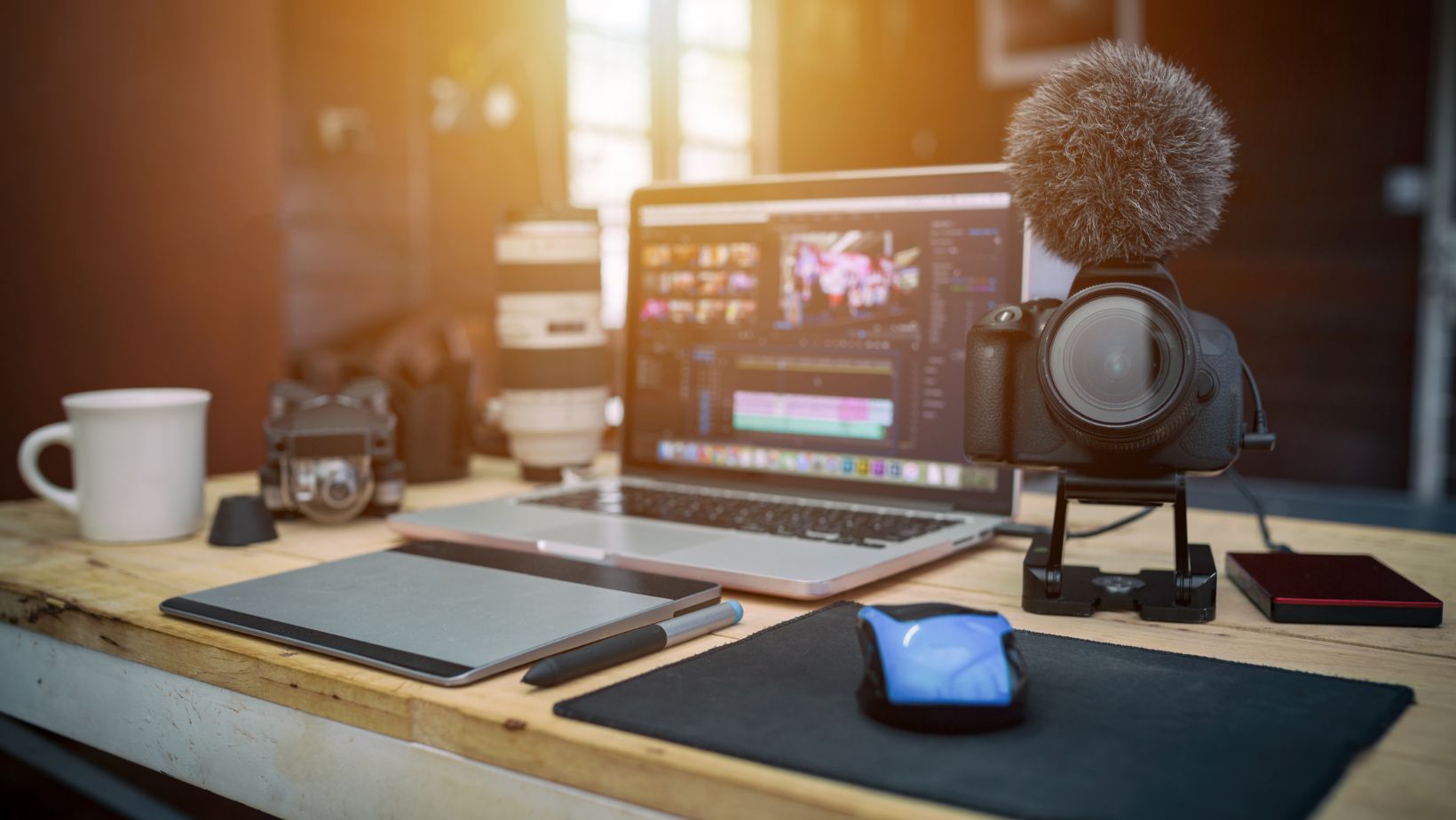
Can you use overlays without technical experience?
Absolutely. Most platforms like OBS Studio and Streamlabs have drag-and-drop interfaces. You can implement overlays without coding or graphic design knowledge. Many streamers now use pre-built stream overlay packages that are optimised for ease of use and compatible with major streaming software.
Will it affect my stream performance?
Not if you use the right files. High-quality overlays are now built to be lightweight, often in .webm or .png formats that won’t burden your CPU or affect stream quality.
What Makes a Good Overlay?
Not all overlays are created equal. Some add too much noise or distract from the content. Others don’t scale well across different screen sizes or scenes. The best overlays:
- Keep essential information visible but not overwhelming
- Maintain consistent fonts, colours, and spacing
- Leave room for gameplay without clutter
- Adapt to various stream types (e.g. Just Chatting, Competitive Gaming, Creative Work)
An ideal overlay supports your stream, not competes with it. Design choices should feel intentional and clean. Less can often be more, especially on smaller screens where your stream might be watched on mobile.
Affordable Professionalism
Many new streamers worry that making their stream visually appealing means hiring a designer or buying expensive software. That’s no longer the case. High-quality overlay packs are now widely available, offering polished designs at accessible prices. These packs typically include matching scenes for stream start, live, intermission, and end, along with social icons and alerts.
Some of the most popular creators on Twitch started with template-based overlays and adjusted as they grew. The point isn’t to create a flashy brand overnight, but to present a reliable and clean foundation from day one.
Viewer Interaction: Built Into the Layout
Interactivity is crucial for retention. Viewers want to feel acknowledged. A stream overlay gives structure to those moments. For example, an animated alert every time someone follows or donates adds a layer of energy to your stream. Panels that show recent subs or current chat activity encourage others to participate.
Moreover, including space for polls, chat widgets, or reaction counters makes it easier for the streamer to manage the content and the audience to engage without distraction. Overlays aren’t just cosmetic—they guide viewer behaviour.
Matching Tools with Goals
Streaming tools are abundant, but they only become effective when integrated thoughtfully. Overlays help create a visual roadmap for both the creator and the viewer. Suppose you’re running a subathon, tracking in-game progress, or showing highlights from previous matches. Without a proper layout, your screen can quickly feel disorganised.
An overlay pack with matching widget frames ensures everything has its place. As a result, viewers are more likely to understand your stream at a glance and interact accordingly.
Adaptability Across Stream Types
Whether you stream competitive FPS titles or host casual chats, overlays can adjust to fit your format. Gaming-heavy channels may prioritise clear HUD visibility, whereas talk shows or podcasts may opt for larger webcam views and chat boxes.

This flexibility is one reason overlays have become a standard tool among professionals and aspiring streamers alike. They give you control over your stream’s aesthetic and functionality without locking you into a single format.
Performance and File Efficiency
Modern overlays are optimised for performance. Using low-overhead file types such as WebM for animations and compressed PNGs for static visuals ensures you won’t compromise your stream quality. Performance is often overlooked in favour of flashy graphics, but efficiency is crucial for maintaining a smooth experience, both for you and your viewers.
Many pre-made packages focus on this aspect, ensuring compatibility with both high-end and mid-range setups. This attention to technical quality helps prevent crashes or frame drops during critical stream moments.
Wrapping Up
Visual presentation is no longer a luxury in streaming—it’s a requirement. Viewers expect clarity, interaction, and brand consistency. A stream overlay provides all of this while giving you the flexibility to evolve your stream over time.
With professional layouts now available at accessible prices, even new streamers can establish a polished presence from the start. Rather than spending hours on custom design or worrying about technical hurdles, ready-made overlays allow you to focus on content while maintaining a professional appearance.
Investing in your stream’s visual structure today will strengthen your connection with your audience tomorrow. In a platform driven by personality and presentation, every element counts, and your layout is one of the first decisions that shapes your viewer’s experience.
More Stories
OzzyBet Live Casino: Blackjack, Roulette and Baccarat
Why Bar Juice 5000 Nic Salts Offer So Much Flavour Variety
Raching Humidors for Cigar Aging and Preservation