
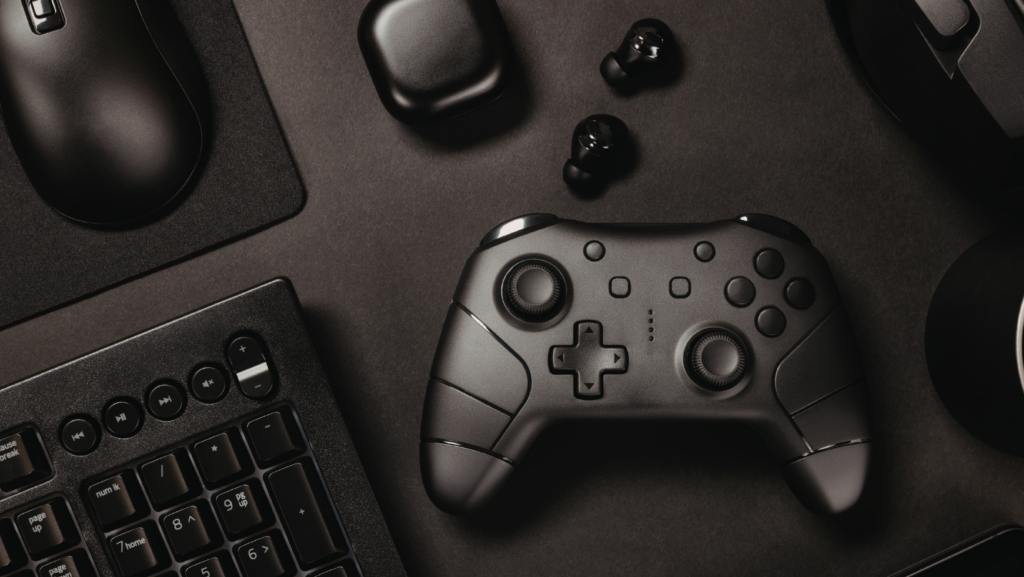
You do not need to spend thousands of dollars to build a gaming setup that looks and performs well. With smart purchasing decisions and a clear understanding of where to invest versus where to save, Canadian gamers can create a space that rivals setups costing twice as much. This guide covers the essentials for building a solid gaming station without emptying your wallet.
Start With the Chair, Not the Monitor
Most gamers make the mistake of allocating their entire budget to the PC or console and peripherals, then sitting in a cheap office chair for eight-hour sessions. Your chair is the single most important piece of furniture in your setup because it directly affects your comfort, posture, and how long you can actually enjoy gaming without pain.
You do not need a branded gaming chair with RGB lighting and racing stripes. A well-built ergonomic office chair from Staples or IKEA will outperform most gaming-branded chairs at a lower price point. Look for adjustable lumbar support, seat height adjustment, and armrests that move up and down at minimum. Budget between $200 and $350 CAD for something that will last several years.
The Desk Matters More Than You Think
A cramped desk creates a cluttered setup. Aim for at least 120cm wide and 60cm deep, which gives you room for a monitor, keyboard, mouse, and still leaves space for personal items. IKEA’s LAGKAPTEN or MITTBACK series offers solid tabletops for under $100 that you can pair with adjustable legs.
Cable management is what separates a clean setup from a messy one. A simple cable tray mounted under the desk, combined with a few velcro cable ties, keeps everything organized. This is a $20 investment that makes a $200 desk look like a $500 one.
Where to Save on Peripherals
Peripherals are where Canadian gamers overspend the most. The reality is that mid-range peripherals perform at 90 percent of what top-tier options offer, for a fraction of the cost.
For keyboards, a mechanical keyboard from Redragon or Royal Kludge delivers excellent performance for $50 to $80 CAD. Unless you are a competitive typist or esports player, you will not notice the difference between these and a $200 Corsair or Razer board in day-to-day gaming.
For mice, the Logitech G203 or G305 are consistently recommended as the best value options in Canada. Both perform well for gaming and general use, and they retail for under $60.
For headsets, the HyperX Cloud Stinger 2 remains one of the best budget gaming headsets available in Canada. Comfortable enough for long sessions, solid microphone quality, and usually available for around $50 to $70.
The Atmosphere That Completes the Setup
Lighting and ambiance make a bigger difference than most people expect. A basic LED light strip behind your monitor reduces eye strain during night sessions and adds a clean aesthetic to the space. Govee and Philips Hue offer options at every price point, starting from as low as $20.
Beyond lighting, think about what else makes your gaming space comfortable for extended use. A small side table keeps drinks and snacks off your desk surface. A mini fridge within arm’s reach is a luxury worth considering if your setup is in a basement or spare room. Personal items like your favourite beverage, a good pair of slippers, or even your vape if that is part of your routine, should have a designated spot so they do not clutter your desk. Canadian gamers who shop online for vaping products often stock up specifically so they do not have to interrupt a session to run to a store.
The goal is a space where everything you need for a four to six hour gaming session is within reach, organized, and does not compete with your peripherals for desk real estate.
Monitor Choices for Budget Gamers
For console gamers, a 27-inch 1080p or 1440p monitor with a 144Hz refresh rate is the sweet spot. The AOC 27G2SP and ASUS VG27AQ1A are both strong options available through Amazon.ca and Canada Computers, typically priced between $250 and $400 CAD.
For PC gamers, the same monitors work well, but prioritize refresh rate over resolution if your GPU is mid-range. A smooth 144Hz at 1080p will feel better in competitive games than a choppy 60Hz at 4K.
One often-overlooked tip: buy your monitor during Black Friday, Boxing Day, or Amazon Prime Day sales. Canadian retailers regularly discount monitors by 20 to 30 percent during these events. Setting a price alert on sites like CamelCamelCamel helps you catch the best deals without constantly checking.
Keeping the Setup Clean
A gaming setup is only as good as its maintenance. Dust buildup affects both aesthetics and hardware performance. A can of compressed air every two weeks keeps your keyboard, PC vents, and monitor stand clean. A microfibre cloth handles screen cleaning without leaving streaks.
Beyond dust, managing cables and keeping your desk surface clear makes the entire space feel more inviting. If you start each session by spending 30 seconds tidying your desk, you will never face the overwhelming cleanup that makes some gamers avoid their setup entirely.
Final Thoughts
The best gaming setups are not the most expensive. They are the ones designed around how you actually use the space. Invest in comfort first, buy mid-range peripherals that punch above their price, and take the time to organize your space properly. A well-thought-out budget setup in Canada can deliver an experience that competes with builds costing two or three times more.
More Stories
Browser-Based Party Games Are Making a Comeback — And This One Roasts You While You Play
Finest Teams for Aggressive Play in FC 26 April
ClarityCheck: Safer Gaming and Smarter Digital Connections